Rockstar has released official screenshots of GTA 6 alongside its trailers and presentations. Those images are the best way to see what the game looks like before you play it, because they come from Rockstar itself. This guide explains what the official screenshots show, in careful terms, and how to tell them apart from fakes, leaks, and fan-made images.
One honest note comes first. This article describes what Rockstar has confirmed about the game — the places, the characters, and the world — and how those confirmed facts appear in the official images. It does not give a frame-by-frame list of every screenshot, and it does not describe any screenshot that does not exist. If Rockstar has not confirmed a detail, this guide says so instead of inventing it.
GTA 6 launches on Thursday, November 19, 2026, on PlayStation 5 and Xbox Series X|S. The game has gone gold, and the date is locked after two delays, from Fall 2025 to May 26, 2026, and then to November 19, 2026. The screenshots are your preview of the world you will enter at midnight local time on that day.
Where to Find the Official Screenshots
The official GTA 6 screenshots live on Rockstar’s own website and in Rockstar’s own announcements. That is the first rule for finding them: if an image does not come from Rockstar, treat it as unofficial until you can check where it came from. Rockstar’s site is the source. Search results, social media posts, and fan sites can all repost the official images, but the official site is where they start.
The official screenshots came out over time, alongside the trailers. Trailer 1 came out on December 4, 2023. Trailer 2 came out on May 6, 2025. An Extended Look, about 26 minutes long and captured on PlayStation 5, came out on August 27, 2026. The Launch Trailer, 90 seconds long, came out on October 15, 2026. Rockstar never used the name “Trailer 3” for the Launch Trailer, so any post that calls it Trailer 3 is using a fan name, not Rockstar’s name.
When you look at the official images, check the source before you trust what you see. A real official screenshot will be linked to Rockstar’s announcement of that trailer or presentation. A fake will often come from an unknown account, with no link back to Rockstar, and with a caption that promises something the image cannot show, such as a PC version or an online mode that has not been announced.
What the Official Screenshots Show: The State of Leonida
The main thing the official screenshots show is Leonida, the state where GTA 6 takes place. Leonida is inspired by Florida, and it is much larger than the map of GTA 5. Rockstar says Leonida is about twice the size of the GTA 5 map, and about three times the playable area of Red Dead Redemption 2. There is no official exact size, so do not trust any number that claims to give the size in square kilometres.
Leonida has six regions: Vice City, Leonida Keys, Grassrivers, Port Gellhorn, Ambrosia, and Mount Kalaga National Park. The official images show this range. They show a big, bright, modern city, and they also show quieter places: coastlines, keys, wetlands, small towns, and open parkland.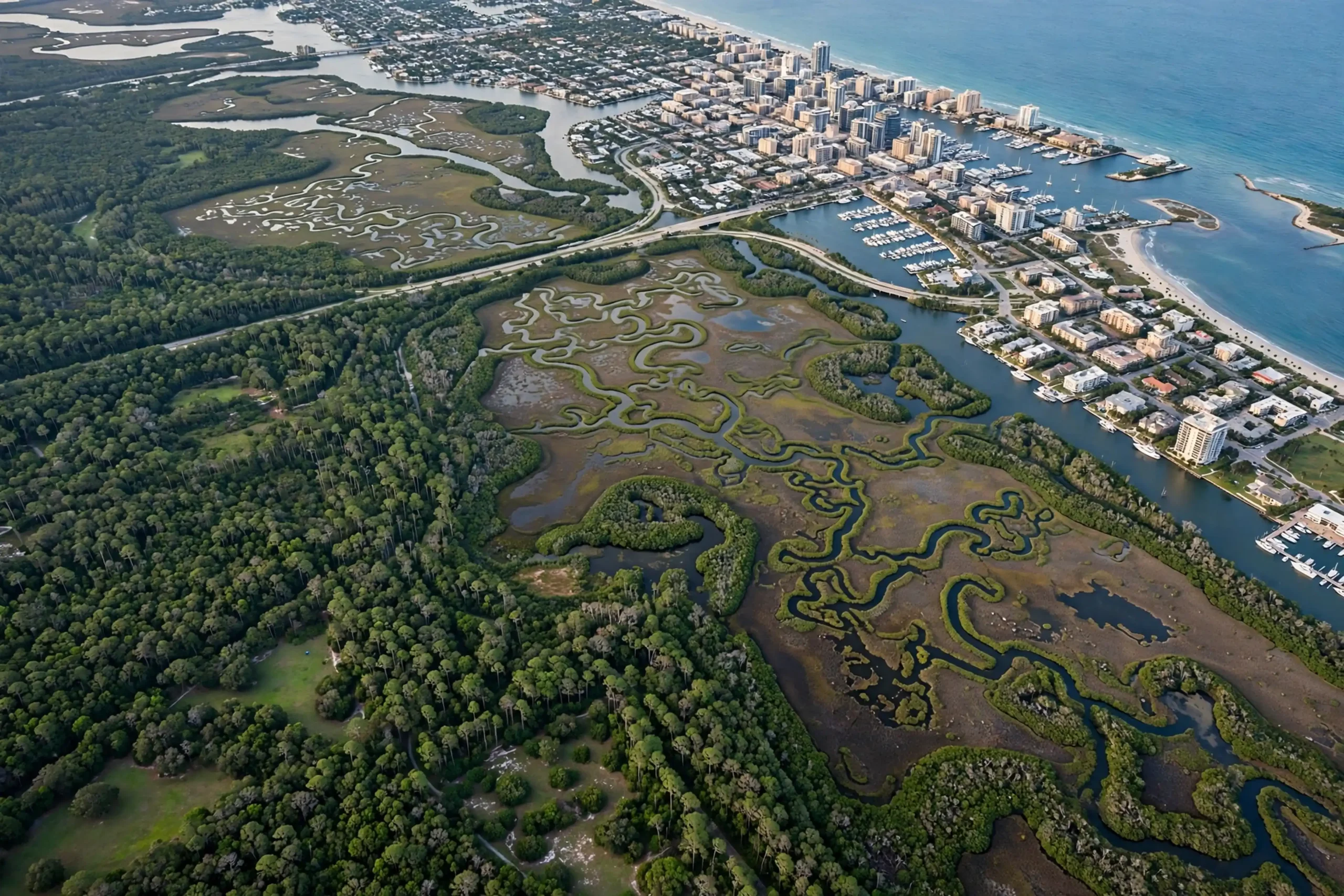
That range is the point. Leonida is not one city. It is a whole state, with a city at its heart and very different places around it.
Vice City is bright, with neon and sunshine. The Keys are open water and sky. Grassrivers is green and wet. Port Gellhorn is a faded coastal town. Ambrosia is inland and industrial. Mount Kalaga is hills and trees. The official images make the difference between these places clear, and that difference is what makes the map worth exploring.
Vice City in the Official Screenshots
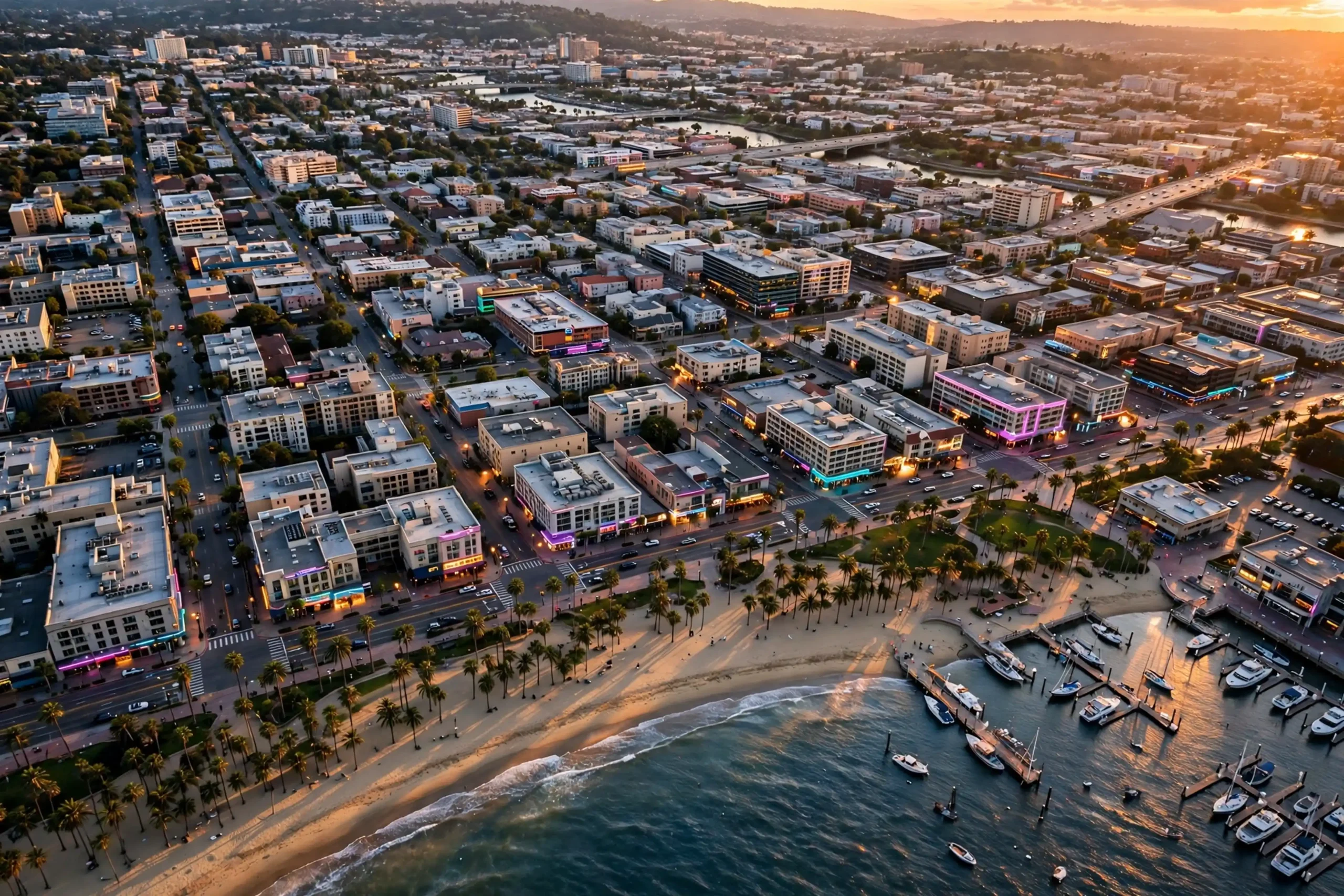
Vice City is at the heart of Leonida, and it is the place the official images return to most often. Rockstar says Vice City is about twice the size of Los Santos, the main city in GTA 5. That is a big claim, and the images show a city that is dense and full: tall buildings, wide roads, beaches, and a port.
Rockstar has named four Vice City districts: Ocean Beach, Little Cuba, the Tisha-Wocka flea market, and VC Port. Those are the named places to look for when you explore the official images. Ocean Beach is the beachfront, with sand, sea, and the buildings along the shore.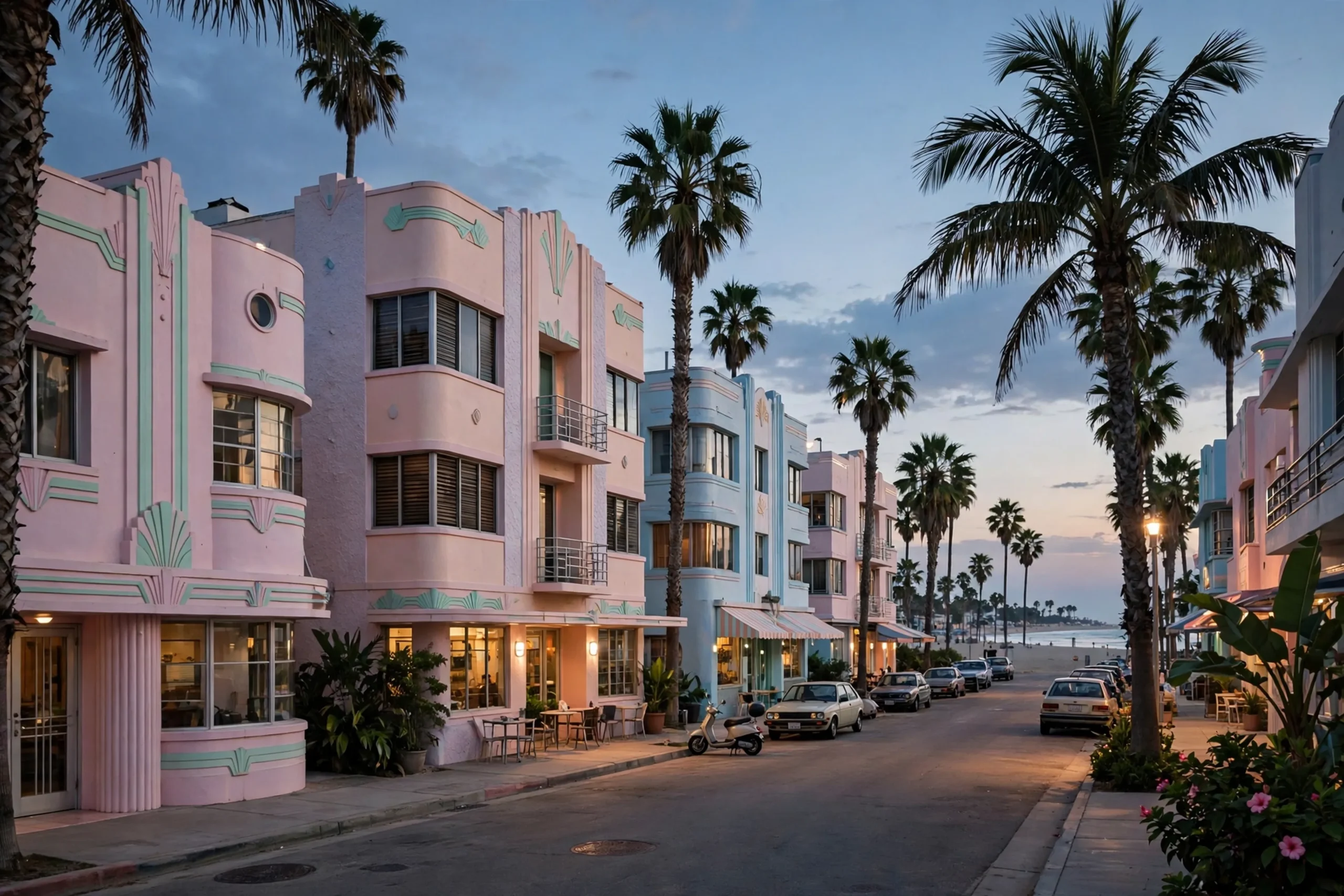
Little Cuba is the Cuban neighbourhood, with its own shops and streets. The Tisha-Wocka flea market is a market area, busy with stalls and people. VC Port is the port, with ships, cranes, and warehouses.
The official images show Vice City as a living city, not an empty backdrop. They show streets with cars and people, shops with signs, and beaches with visitors. That matters, because a GTA city is only as good as it feels to drive and walk through. The images suggest a city that is full of detail at street level, which is where you will spend most of your time in the game. For more on two of the regions outside Vice City, read our guide to GTA 6 Port Gellhorn and Mount Kalaga.
Jason and Lucia in the Official Screenshots
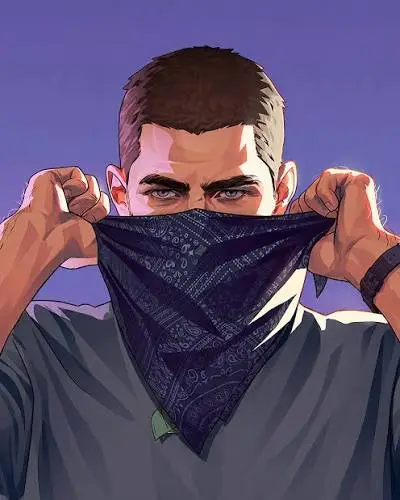
The official screenshots show the two main characters: Jason Duval and Lucia Caminos. They are the two leads of the story, and Rockstar calls the launch version a single-player experience that follows them both in Leonida. The images show them as a pair, and as two people with different lives.
Jason is from the Leonida Keys. He is ex-Army, and he works for Brian Heder. Lucia is the first female lead in the HD era of GTA, and she is fresh out of Leonida Penitentiary. Those are the confirmed facts about the two characters, and the official images show them in the world those facts describe: Jason in the Keys and in the working world around Brian Heder, and Lucia starting over after prison.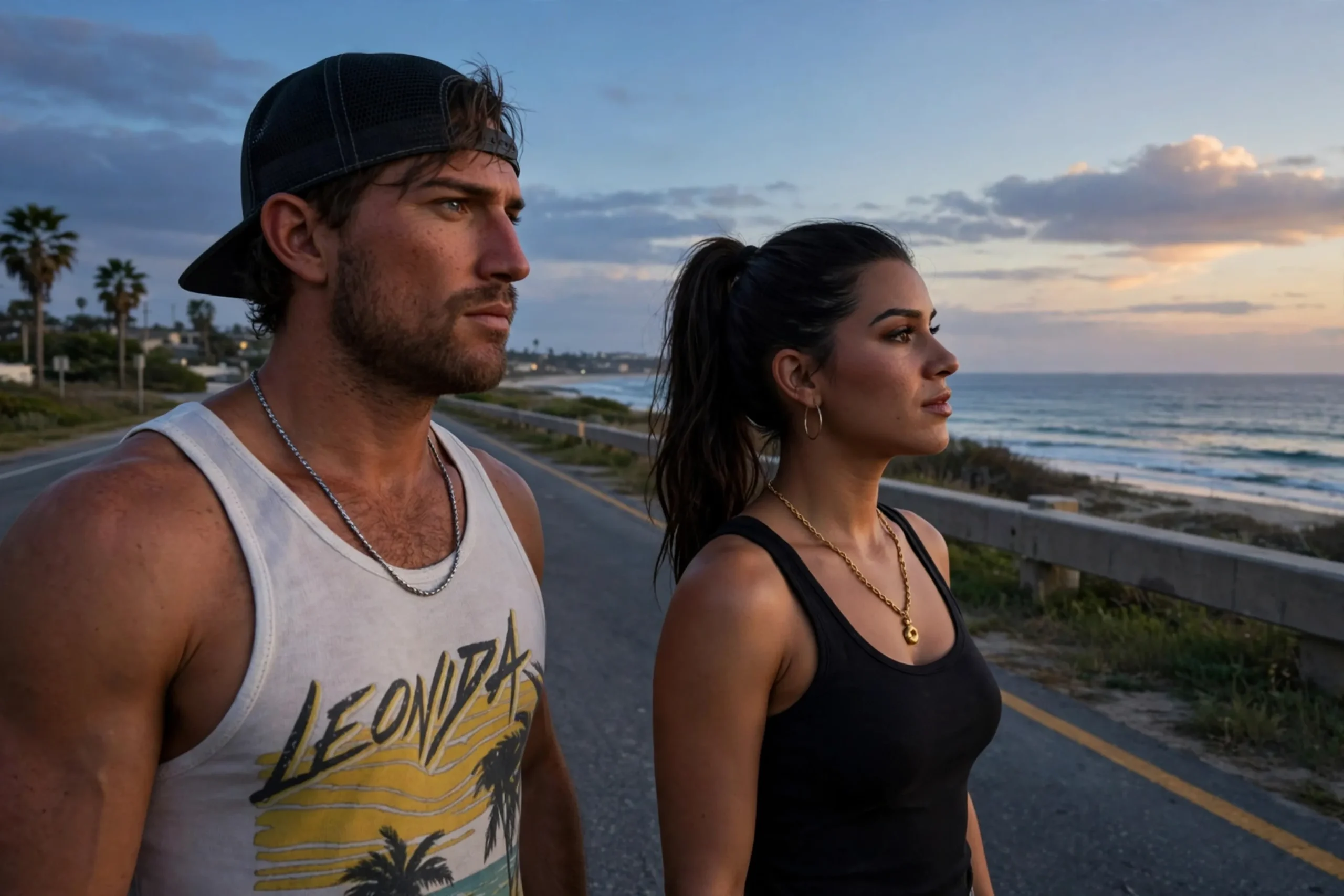
The images do not tell you the whole story, and they should not. They show you who the two leads are, and where they live, and that is enough to start with.
What the Screenshots Tell Us About How the Game Looks
The Extended Look from August 27, 2026, was captured on PlayStation 5, and it is about 26 minutes long. That is the clearest guide to how the game will look when you play it, because it is real gameplay on the console, not a cutscene or a trailer. The screenshots from that presentation show the same world: bright, detailed, and full of people, animals, and traffic.
The game targets 30 frames per second on all consoles, including PlayStation 5 Pro, according to Rockstar. That is the confirmed target, and it is what the screenshots and the Extended Look are showing you. There is no confirmed 60 frames per second mode, and no confirmed performance mode, so do not trust any claim that says there is.
It is worth remembering that screenshots are still images. GTA 6 screenshots show one moment, frozen, and they do not show how the game feels to play. The Extended Look is the better guide to movement, and the screenshots are the better guide to detail. Use both.
What the Screenshots Do Not Show
The official GTA 6 screenshots do not show everything, and it is important to know what is missing.
The screenshots do not show an online mode either, because no online mode has been announced for launch. Rockstar calls the launch version a single-player experience, and that is what the screenshots show: the story of Jason and Lucia in Leonida.
The screenshots also do not show cheat codes. Rockstar has not confirmed any official GTA 6 cheat codes, and no cheat codes have been announced. Any list of GTA 6 cheat codes you see before launch is made up.
Finally, the screenshots do not show the full map. There is no official exact size for Leonida, and no official full map has been released. A printable map has been promised for launch day, and until then, the screenshots and the trailers are the only official guide to the shape of Leonida.
How to Tell Official Screenshots From Fakes and Leaks
Fake GTA 6 screenshots are common for a game as big as GTA 6, and some of them look good. There are four checks you can use to tell an official screenshot from a fake or a leak.
First, check the source. A real official screenshot comes from Rockstar, or from a known news site that links back to Rockstar. If the image comes from an unknown account, or from a site that does not link to Rockstar, treat it as unofficial. You can also check whether the image appears on Rockstar’s own website. If it does not appear there, it is not an official screenshot, no matter how good it looks.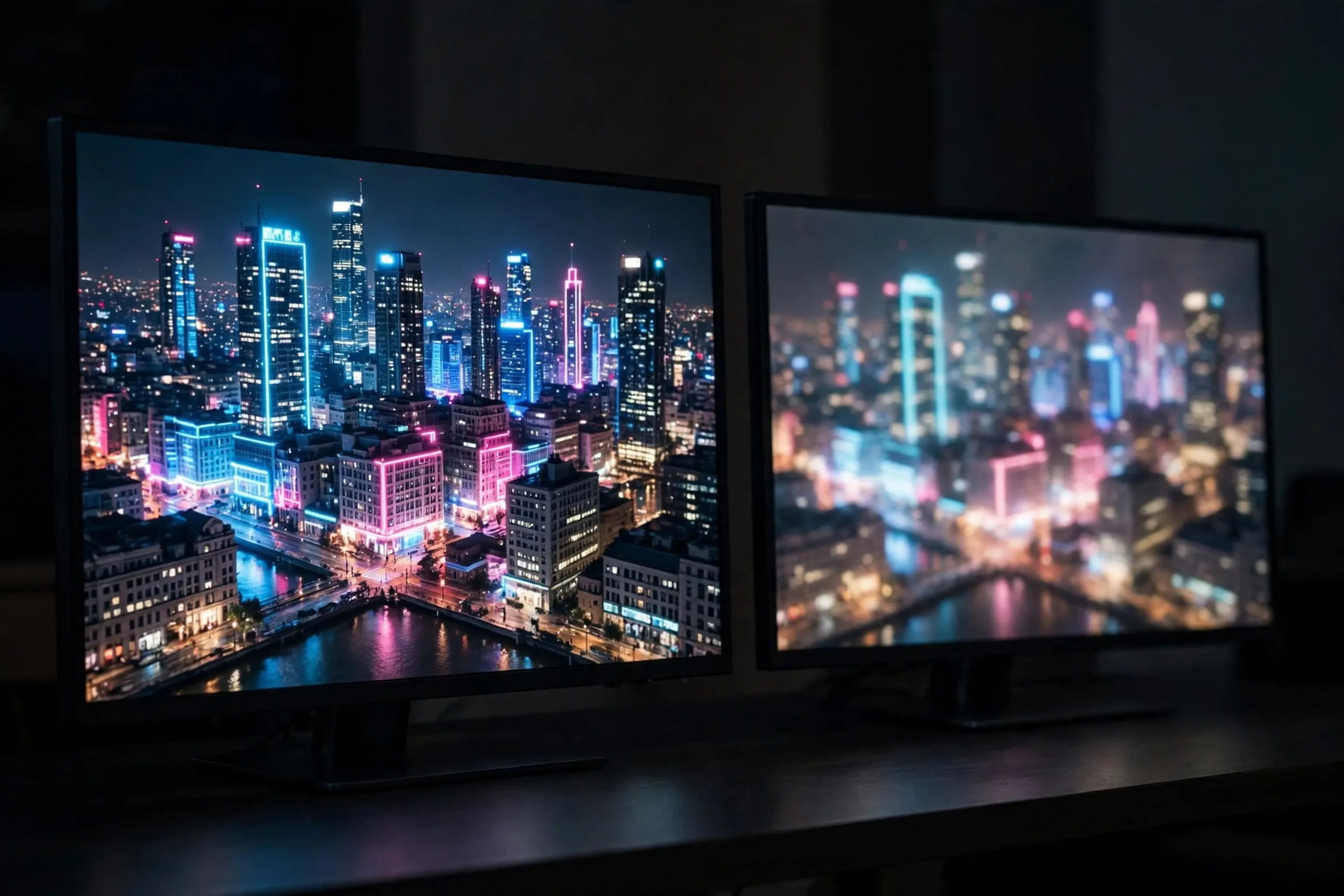
If you cannot find the source, do not trust the image.
Second, check the date. The official images were released with Trailer 1 in December 2023, Trailer 2 in May 2025, the Extended Look in August 2026, and the Launch Trailer in October 2026. An image that claims to be from a different date, or that shows something from a trailer that had not been released yet, is a fake.
Third, check what the image claims. The 2022 leak was a real leak of early development footage, but it was not the finished game, and it does not show what GTA 6 looks like now. The October 2026 leaks are unverified, and Rockstar has not confirmed them. If an image claims to show something that Rockstar has not announced — a PC version, an online mode, a map, or a feature — then it is not an official screenshot. Official screenshots only show what Rockstar has announced, and they never promise something that has not been announced.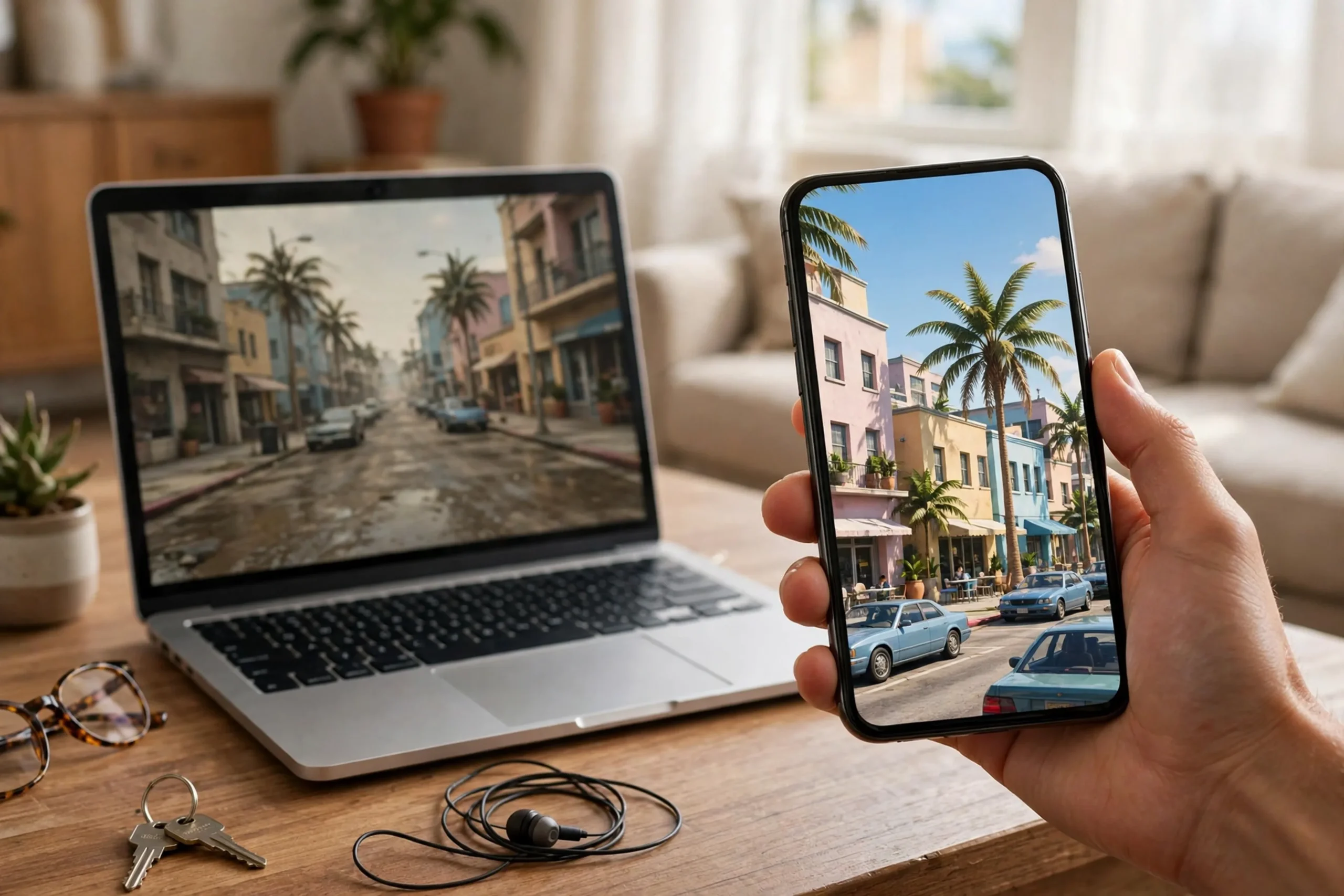
Fourth, look at the quality. Official screenshots are clean, high-quality images with no watermark from a fan site, no blurry edges, and no odd text. A fake often has a watermark, a blurry edge, or text that does not match Rockstar’s style. If the image looks low-quality, or if it has a watermark, it is probably not official.
How to Use the Screenshots Before Launch
The official GTA 6 screenshots are most useful as a way to plan your first hours in Leonida. Look at the places in the screenshots — Vice City, the Keys, Grassrivers, Port Gellhorn, Ambrosia, and Mount Kalaga — and think about where you want to go first. The screenshots show you the world, and the trailers show you the story. Use both to plan.
The screenshots are also useful for checking your setup. The game is up to 212 GB, with pre-load from November 13, 2026, and it needs a PlayStation 5 or Xbox Series X|S. There is no PC version at launch. If your setup is ready, the screenshots are a good way to see what you will be playing.
Do not use the screenshots to set false hopes. They show a beautiful world, but they do not show everything. The game will have more to discover, and some of what you see in the screenshots will look different when you play it. Use the screenshots as a preview, not a promise.
Frequently Asked Questions
Where can I see the official GTA 6 screenshots?
On Rockstar’s official website and in Rockstar’s own announcements for the trailers and the Extended Look. Those are the only official sources.
What do the GTA 6 screenshots show?
They show the state of Leonida, with Vice City at its heart, and the two main characters, Jason Duval and Lucia Caminos. They also show the six regions of Leonida, and the world those characters live in.
Do the screenshots show the full GTA 6 map?
No. There is no official exact size for Leonida, and a printable map has been promised for launch day. Until then, the screenshots and trailers are the only official guide to the shape of Leonida.
Are the leaked GTA 6 screenshots real?
The 2022 leak was early development footage, not the finished game. The October 2026 leaks are unverified, and Rockstar has not confirmed them. Treat any leak as unverified unless Rockstar confirms it.
Do the screenshots show GTA 6 on PC?
No. There is no PC version at launch, and no PC version has been announced. A report of a first-quarter 2027 PC release is not confirmed by Rockstar.
Do the screenshots show GTA Online?
No. Rockstar calls the launch version a single-player experience, and no online mode has been announced.