
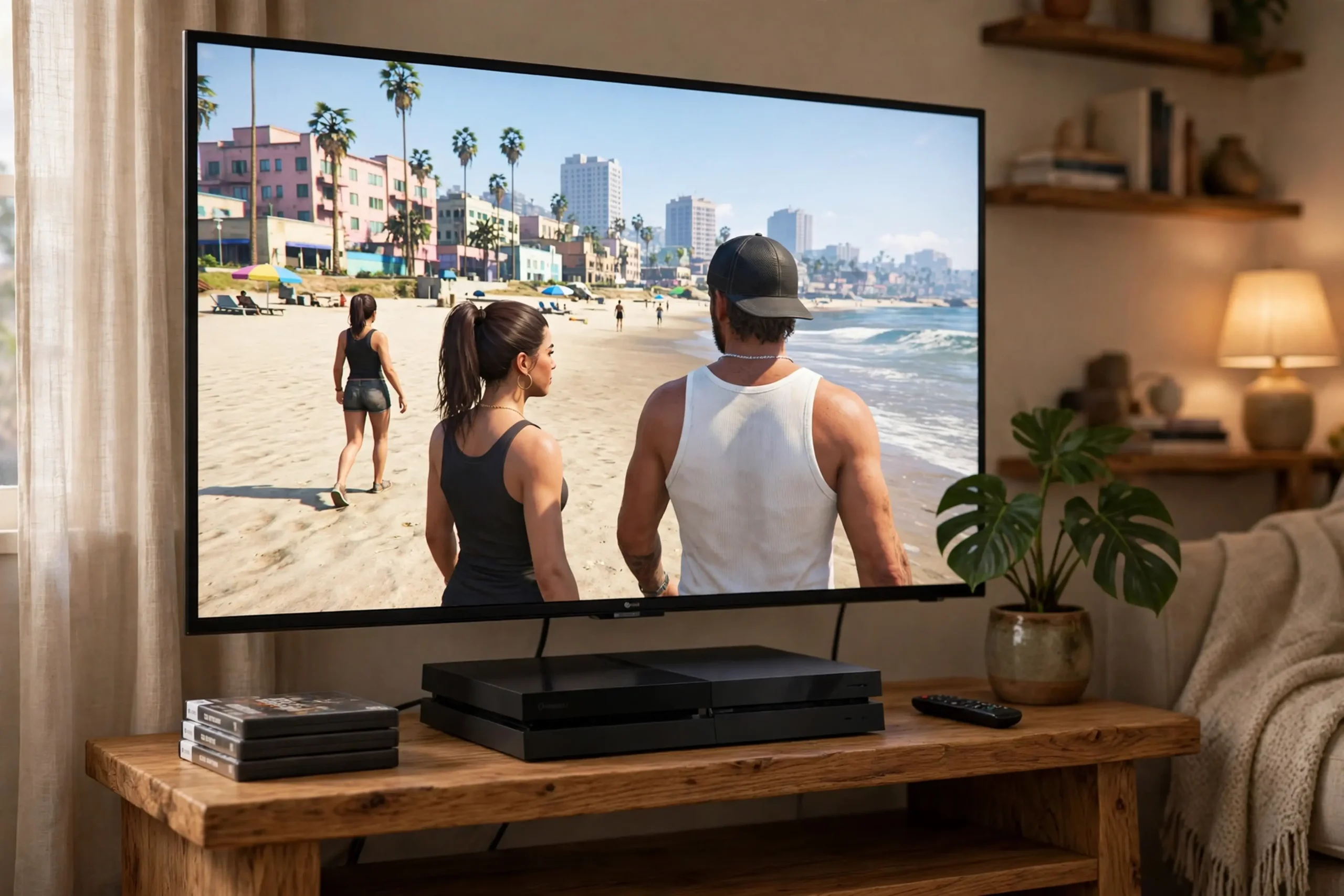
GTA 6 needs a lot of storage. The GTA 6 storage size is up to 212 GB. That is a very large download, and it is far too large to leave until launch night if you can avoid it. This guide explains the GTA 6 file size in simple words, when you can pre-load the game, what the reported day-one patch adds, and how to prepare your PlayStation 5 or Xbox Series X|S so you are ready to play on launch day.
The short version is simple. The game is up to 212 GB. Pre-load starts on November 10, 2026. On PlayStation 5, pre-load begins at midnight local time. On Xbox Series X|S, pre-load begins at 00:00 GMT worldwide. The physical edition is code-in-box, with no disc, and boxes are in stores from November 12. A first update, version 1.002, has been reported at about 1 GB on PlayStation 5 and about 2.2 GB on Xbox, with no official patch notes. Plan for the full 212 GB, plus a little extra for the patch and for save data, and start early.
The Short Answer: Up to 212 GB
 The GTA 6 storage size is up to 212 GB. The words “up to” matter. They mean the download can be as large as 212 GB. It does not mean every player will download exactly 212 GB, and it does not mean the game will use exactly 212 GB on your console after it is installed. But for planning, you should treat 212 GB as the number to prepare for. If you have 212 GB free, you are ready for the main download. If you have less, you need to free space first.
Why is the game so large? The facts give a clear sense of scale. GTA 6 is set in the state of Leonida, with six regions: Vice City, Leonida Keys, Grassrivers, Port Gellhorn, Ambrosia, and Mount Kalaga National Park. Rockstar says Vice City is about twice the size of Los Santos, and Leonida is about twice the size of the GTA 5 map, and about three times the playable area of Red Dead Redemption 2. A world that large, with a story of about 80 hours according to Rockstar North’s Rob Nelson, needs a lot of data: the world itself, the characters, the missions, the sound, and the music. The game also has six radio stations and a large soundtrack, including Grand Theft Auto VI: The Album, with 34 original tracks. All of that adds up to a very large file.
For the full launch picture, read our guide to GTA 6 release date, November 19, 2026, with no more delays.
What 212 GB Means in Real Terms
The GTA 6 storage size of 212 GB is large by any measure. It is much larger than most games. It is also larger than the free space many players have on their consoles right now, especially if they have several other games installed.
That is why storage preparation matters as much as the download itself. You cannot download a 212 GB game into 100 GB of free space. The console will stop the download, and you will lose time on launch night.
The download time depends on your internet speed, and your speed is not a fact this article can give you. A fast connection will finish in hours. A slow connection may take much longer. The only safe plan is to start early, during pre-load, and to let the download run while you are doing other things. Do not wait until midnight on launch night to start a 212 GB download. By the time it finishes, the night will be over.
Pre-Load: When You Can Start Downloading
Pre-load starts on November 10, 2026. Pre-load means you can download the game before launch day, so that it is ready to play as soon as it unlocks.
You cannot play it early. You can only download it early. That is still a big help, because it moves the long download away from launch night.
On PlayStation 5, pre-load begins at midnight local time on November 10 in your time zone. That is the same midnight-local rule as the launch itself. If you live in London, pre-load starts at midnight GMT on November 10. If you live in New York, it starts at midnight EST on November 10. You do not need to work out a time zone conversion. Midnight local time is the start time.
On Xbox Series X|S, pre-load begins at 00:00 GMT worldwide on November 10. That is a single global start time, not a midnight-local start. In the UK, that is midnight. New York sees 19:00 on November 9 in EST. In Los Angeles, it is 16:00 on November 9 in PST. In Sydney, it is 11:00 on November 10 in AEDT. Check the GMT time against your own time zone, so you know when your pre-load can start.
If you bought the physical edition, pre-load works differently. The physical edition is code-in-box, with no disc inside. Boxes are in stores from November 12, 2026. You buy the box, redeem the code inside, and then download the game.
That gives you a shorter window than digital pre-load, from November 12, not November 10, but it is still a full week before launch. Buy the box as soon as you can, redeem the code at once, and start the download right away.
For step-by-step pre-load help, read our GTA 6 pre-load PS5 guide.
The Reported Day-One Patch: Update 1.002
 There is a reported first update for GTA 6, version 1.002. The reported size is about 1 GB on PlayStation 5 and about 2.2 GB on Xbox Series X|S. There are no official patch notes for it in the facts available for this article. Treat the patch as a report, not as a confirmed detail. The size figures come from reports, and the contents have not been officially described.
In practical terms, the patch is small compared with the main download. One GB on PS5, or 2.2 GB on Xbox, is a tiny fraction of 212 GB. It should not take long on most connections. But it is still one more download, and it is still one more step between unlocking the game and playing it. Plan for it. Leave a little extra free space beyond the 212 GB, for the patch and for save data. Check for the update as soon as the game unlocks, or even just before midnight if your console lets you. If the patch is there, download and install it first, then start the game.
Do not assume you know what the patch changes. Without official patch notes, nobody can say for sure. It may fix small problems, improve performance, or change something else entirely. What you can say, from the reports, is that a first update exists, and that its reported size is small. That is enough to plan around, and it is all the facts support.
How to Prepare Your Storage on PS5
Start by checking how much free space you have. On PlayStation 5, go to your console settings and look at storage. The number you see is your free space. Compare it with the GTA 6 storage size of 212 GB. If you have 212 GB or more free, plus a little extra for the patch and save data, you are ready. If you have less, you need to free space.
The simplest way to free space is to delete games you are not playing now. Look at your installed games and ask which ones you have finished, which ones you have not touched in months, and which ones you can download again later.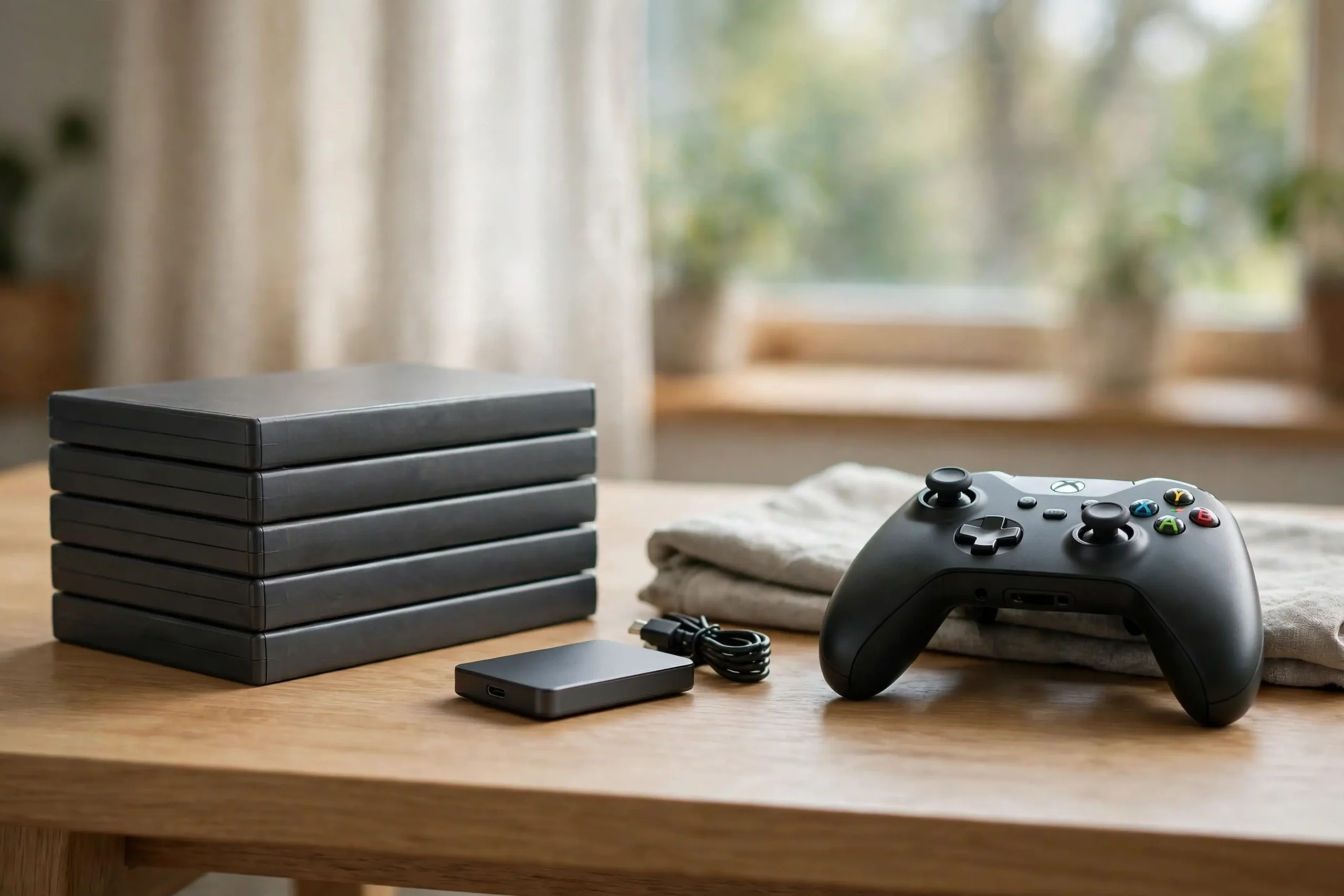
Delete those first. Deleting a game does not delete your save data in most cases, but check your save data separately if you are unsure. You can always download a game again later. You cannot play GTA 6 at launch without space for it.
If you have a PS5 with an extra storage drive, check that too. Make sure you know where GTA 6 will download to, and make sure that drive has enough free space. Do not assume that space on one drive counts for the other. Check each drive, and free space on the drive where the game will go.
Do this work well before November 10, not on launch night. Freeing space takes time, because you need to decide what to delete, and the console needs time to remove each game. Do it a week early, when there is no pressure, and then check again on November 10, before pre-load starts. That way, when pre-load opens, you can start the download at once, with no delay.
How to Prepare Your Storage on Xbox Series X|S
The same plan works on Xbox Series X|S. Check your free space first. Go to your console settings and look at storage. Compare the free space with the GTA 6 storage size of 212 GB. If you have enough, plus a little extra for the patch and save data, you are ready. If you do not, free space now.
Delete games you are not playing. Start with the largest games you have finished or have not touched in a while. A few large games can free a lot of space quickly. Check your apps too. Some apps and captures take up space, and old captures can add up. Delete what you do not need, and keep what matters to you.
If you use an external drive or an expansion card, check that as well. Make sure you know where GTA 6 will download to, and make sure that storage has enough free space. If your main drive is full but your expansion drive has space, you may need to move games or change where the new game downloads to. Sort that out before November 10, not on launch night.
For launch timing, read our guide to GTA 6 launch time by country.
Your GTA 6 Storage Size Checklist Before November 10
Use this short checklist to get ready. First, check your free space today, and write down the number. Second, free space until you have at least 212 GB free, plus a little extra for the reported patch and for save data. Third, delete games you are not playing, starting with the largest ones. Fourth, check your extra drives, if you have any, and make sure the game will download to a drive with enough space. Fifth, check again on November 9, the day before pre-load, to make sure nothing has changed.
On November 10, start the pre-load as soon as it opens in your time zone. For PS5, that is midnight local time. On Xbox, that is 00:00 GMT worldwide. Let the download run, and check its progress from time to time.
If it stops, restart it. If it is slow, leave it running and do something else. Do not cancel it and start again unless you have to, because that wastes time.
On November 12, if you bought the physical edition, buy the box, redeem the code inside, and start the download at once. You have a shorter window than digital buyers, so do not wait. On November 18, the day before launch, check that the main download is complete. Restart your console if you have not done so in a while, and make sure your console software is up to date. A console update on launch night is the last thing you need.
Common Storage Mistakes to Avoid
Do not leave the download until launch day. A 212 GB download can take hours, and launch night is not the time to discover that. Pre-load from November 10 if you bought digital, or from November 12 if you bought the physical code-in-box edition.
Do not assume you have enough space without checking. Many players think they have space, and then find out they do not when the download stops. Check the number in settings. Compare it with 212 GB. Free space early, not at midnight.
The Verdict: 212 GB, Start Early, Free Space Now
GTA 6 needs up to 212 GB of storage. Pre-load starts on November 10, 2026, at midnight local time on PS5 and at 00:00 GMT worldwide on Xbox. The physical code-in-box edition is in stores from November 12. A first update, version 1.002, has been reported at about 1 GB on PS5 and about 2.2 GB on Xbox, with no official patch notes. Check your free space now, delete games you are not playing, leave a little extra for the patch and save data, and start the download early. That is the whole plan, and it is the difference between playing at midnight and waiting while a 212 GB download runs.
For more GTA 6 coverage, start from the Gamiozone homepage.
Frequently Asked Questions
How big is the GTA 6 file size?
The GTA 6 storage size is up to 212 GB. Plan for the full 212 GB, plus a little extra for the reported day-one patch and for save data.
How much storage do I need for GTA 6?
You need at least 212 GB of free space for the main download, plus extra for the reported patch, about 1 GB on PS5 and about 2.2 GB on Xbox, and for save data. Free space before November 10 if you can.
When can I pre-load GTA 6?
Pre-load starts on November 10, 2026. On PS5, it starts at midnight local time. On Xbox Series X|S, it starts at 00:00 GMT worldwide. Physical buyers can redeem their code-in-box code from November 12.
What is the GTA 6 day-one patch size?
A first update, version 1.002, has been reported at about 1 GB on PlayStation 5 and about 2.2 GB on Xbox Series X|S. There are no official patch notes for it, so treat the size and contents as reported, not confirmed.
Does the physical edition of GTA 6 have a disc?
No. The physical edition is code-in-box, with no disc inside. You redeem the code in the box and download the game. Boxes are in stores from November 12, 2026.
Can I play GTA 6 while it is still downloading?
No, not in the normal sense. Pre-load lets you download the game before launch, but you cannot play it until it unlocks at midnight local time on November 19, 2026. Start the download early so it is finished by then.