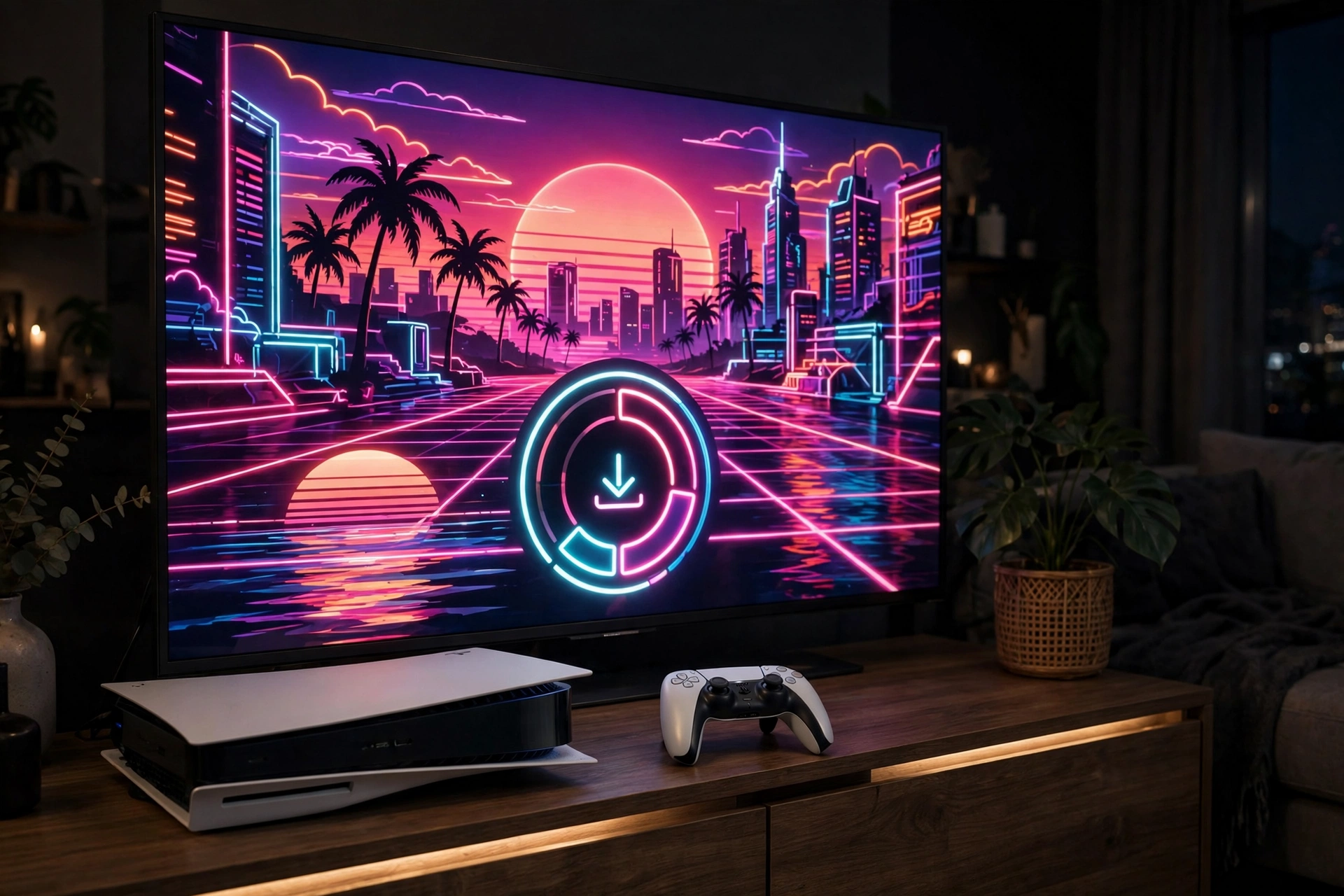
Yes, you can pre-load GTA 6 on PS5 before launch day. Pre-load opened on 10 November 2026 at midnight local time, and the download is up to 212 GB. If you pre-ordered the game, you can download it early and play as soon as it unlocks at midnight local time on Thursday 19 November 2026.
This guide explains how pre-load works, what you need before you start, the step-by-step download process, how to check your storage, and what to do if the pre-load does not start or stops partway through. It also covers the reported day-one patch, so you know what to expect on launch day.
What Is GTA 6 Pre-Load on PS5?
Pre-load means downloading the game before its release date. You cannot play it early, but the files sit on your console ready to go. When the launch time arrives, the game unlocks and you can start playing without waiting for a very large download.
That matters more than usual for GTA 6. The file size is up to 212 GB, one of the largest downloads many PS5 owners will have handled. Downloading it on launch day, at the same time as millions of other players, could mean a long wait before you can play. Pre-load spreads that work out over the days before launch.
Pre-load opened on 10 November 2026, nine days before launch. If you are reading this close to launch, start the download as soon as you can, because a file this large needs time. GTA 6 launches on PS5 and Xbox Series X|S. There is no PC version at launch, and no PC version has been announced. The game has gone gold, which means the main version is finished and ready for release.
Before You Start: What You Need
Check the four things below before you try to pre-load. Sorting these out first will save you from starting a huge download only to find it stops halfway through.
A Pre-Order or Purchase
Pre-load is tied to owning the game. You need to have pre-ordered or purchased GTA 6 on PS5 before you can download it. If you have not bought it yet, buy it first through the PlayStation Store, then look for the download.
The Standard Edition costs $79.99 in the US, or £69.99 in the UK. The Ultimate Edition costs $99.99 in the US, or £89.99 in the UK. There is also an Ultimate Upgrade for $20. The pre-order bonus is the Vintage Vice City Pack, for orders and purchases made before 20 November 2026. Digital pre-orders also get one month of GTA+.
The physical edition is code-in-box, with no disc inside. Boxes were in stores from 12 November. If you bought a physical copy, redeem the code first, then follow the same pre-load steps below.
Enough Free Storage Space
GTA 6 needs up to 212 GB of free space on your PS5. That is a very large amount, and many consoles will not have that much free without some clearing out first. Do not guess how much space you have. Check it before you start, because if you start with too little space, the download may fail, pause, or refuse to begin.
If you are short on space, the simplest fix is to delete games you are not playing right now. You can always download them again later. Saved game data is separate from the game download in most cases, so removing a game you have finished should not remove your saves, but check that your saves are safe before you delete anything.
A Stable Internet Connection and Time
A download of up to 212 GB needs a stable connection over a long period. A wired connection is usually more stable than Wi-Fi for a download this size, if you have that option. If you are using Wi-Fi, stay close to your router and avoid other heavy downloads at the same time.
Give the download time. A file of up to 212 GB will not finish in a few minutes. How long it takes depends on your connection, and it can vary a lot from one home to another. Start it early, leave the console to work through it, and check on progress later rather than watching it the whole time.
How to Pre-Load GTA 6 on PS5: Step by Step
Follow these steps in order. They cover the standard way to start a pre-load on PS5 once you own the game.
Step 1: Confirm Your Pre-Order
Open the PlayStation Store on your PS5 and check that GTA 6 shows as purchased on your account. Make sure you are signed in to the same account you used to buy the game. If the game was bought on a different account, it will not appear as owned on this one. If you bought a code-in-box physical copy, redeem the code first through the store’s redeem option, then confirm the game appears in your library as owned.
Step 2: Find GTA 6 in Your Library
Go to your Game Library on the PS5 home screen and find Grand Theft Auto VI in the list of owned games. If you have just bought it, it should appear near the top or in the purchased section. If you cannot see it, try searching for the game by name. When it still does not appear, double-check that the purchase went through and that you are on the right account.
Step 3: Start the Download
Select GTA 6 and choose the download option. The console should begin downloading the pre-load files. You will see a progress bar and a download size. The total can be up to 212 GB, so do not be surprised by the size. Once the download starts, you can leave it running. You do not need to stay on the game page, but starting another large download at the same time will slow it down.
Step 4: Let the Download Finish
Let the download run until it reaches 100 percent. Do not turn the console fully off while it is downloading.
Step 5: Check the Game Is Ready
When the download reaches 100 percent, the game should show as installed and ready in your library. You still cannot play it before launch. It will stay locked until the release time on 19 November 2026. Before launch day, open the game page once and confirm it shows as downloaded rather than still downloading. If it shows a partial download or a paused state, resume it and let it finish.
How Much Storage Space Does GTA 6 Need on PS5?
GTA 6 needs up to 212 GB on PS5. Treat 212 GB as the amount of free space you need, not as a rough guide you can work around. If your console has less than that free, the download will not complete.
Check your storage in the PS5 settings, where you can see exactly how much space is used and how much is free, and which games are taking up the most room. Games you have finished are the best candidates for removal, and large games you have not played in months are also good candidates.
Do not forget that the day-one patch may need extra space as well. The first update, version 1.002, sits ataround 1 GB on PS5, with no official patch notes released. That is small next to 212 GB, but it is still worth leaving a little extra room beyond the main download, so the patch can install without a storage error.
What About the Day-One Patch?
The first update for GTA 6, version 1.002, sits at around 1 GB on PS5. No official patch notes have been released for it, so what it changes has not been confirmed by Rockstar. Treat reports about its contents with care until official notes appear.
A day-one patch is a small extra download that arrives around launch. It is separate from the main pre-load, so your pre-load can be finished and the patch can still be waiting for you on launch day. When the game unlocks at midnight local time on 19 November 2026, check whether an update is available and let it install before you start playing. The patch is small compared with the main game, so it should not take long on most connections.
When Can You Play GTA 6 After Pre-Loading?
GTA 6 unlocks at midnight local time on Thursday 19 November 2026. Pre-load does not let you play early. It only means the files are already on your console when that time arrives.
The launch version is a single-player experience. Rockstar has described it that way, and no online mode has been announced for launch. For the full launch details, including the release date and what is confirmed so far, see our GTA 6 release date guide. You can also visit the gamiozone.com homepage for our other GTA 6 coverage. For official news, check Rockstar Games.
Troubleshooting: GTA 6 Pre-Load Not Working on PS5
If your pre-load will not start, stops, or fails, work through the checks below one at a time. Most pre-load problems come from one of these causes.
The Download Will Not Start
First, confirm that you own the game on the account you are signed in to. If the store shows the game as not purchased, the pre-load will not be available. Check your purchase history and make sure the payment went through. Second, check the date. Pre-load opened on 10 November 2026 at midnight local time, so if you tried before that time, it was not available yet. Third, restart the console and try again. A full restart clears temporary glitches that can stop a download from starting.
The Download Stops or Fails Partway Through
The most common cause is storage. If the console runs out of space during a download, the download will stop. Check your free space and free up more room if needed. Remember that you need up to 212 GB free for the full game, plus a little extra for the day-one patch. Another cause is a dropped connection. If your Wi-Fi drops, the download may pause or fail. Try a wired connection if you can, or move the console closer to the router. Then resume the download and let it continue from where it stopped, rather than starting over.
The Game Shows as Locked After the Download Finishes
This is normal before launch. A finished pre-load stays locked until the release time. It does not mean the download failed. Wait until midnight local time on 19 November 2026, and the game should unlock. If the game is still locked after the launch time has passed, check for the day-one patch and install it, then restart the console and try again. Also check that your console date, time, and time zone are correct.
Not Enough Storage Even After Deleting Games
If you have deleted games and still do not have 212 GB free, look for other large files on the console. Captured video clips and screenshots can take up space, and old game files for titles you no longer play can add up. The storage settings on the PS5 show what is using space, so use that view to find the largest items. If you still cannot free enough space, you may need to remove more games than you planned. Keep a note of what you remove, so you can download those games again later.
The Download Is Very Slow
Slow downloads are usually a connection issue, not a problem with the game. Check whether other devices in your home are streaming video, downloading files, or updating at the same time. Pause what you can and give the console the connection to itself. Try a wired connection if you are on Wi-Fi and the signal is weak. Restarting your router can also help if the connection has been running for a long time. If the download is moving, even slowly, let it keep going rather than cancelling and restarting it, because restarting usually loses the progress you have already made.
Tips to Get Ready for Launch Night
Finish the pre-load at least a day before launch if you can. That leaves time to fix any problem without rushing. Leave the console in a state where it can install the day-one patch when it appears, and check your storage one last time after the pre-load finishes, so the patch has room to install.
FAQ
When did GTA 6 pre-load start on PS5?
Pre-load opened on 10 November 2026 at midnight local time for PS5 players. That was nine days before the launch on 19 November 2026.
How big is the GTA 6 download on PS5?
The file size is up to 212 GB. You need that much free space on your PS5, plus a little extra room for the reported day-one patch, version 1.002, which sits at around 1 GB on PS5.
Can I play GTA 6 early if I pre-load it?
No. Pre-load only downloads the game files early. The game stays locked until it unlocks at midnight local time on Thursday 19 November 2026.
What should I do if my GTA 6 pre-load fails on PS5?
Check your free storage first, since the game needs up to 212 GB. Then check that you own the game on the signed-in account, restart the console, and resume the download. A wired connection can help if Wi-Fi keeps dropping.
Is there a day-one patch for GTA 6 on PS5?
The first update, version 1.002, sits at around 1 GB on PS5. No official patch notes have been released, so its contents have not been confirmed.
Do I need the disc to pre-load GTA 6 on PS5?
No disc is included with the physical edition. It is code-in-box, so you redeem the code first and then download the game. The download itself is the same up to 212 GB pre-load as the digital version.